 PhoShare
01
Accounts
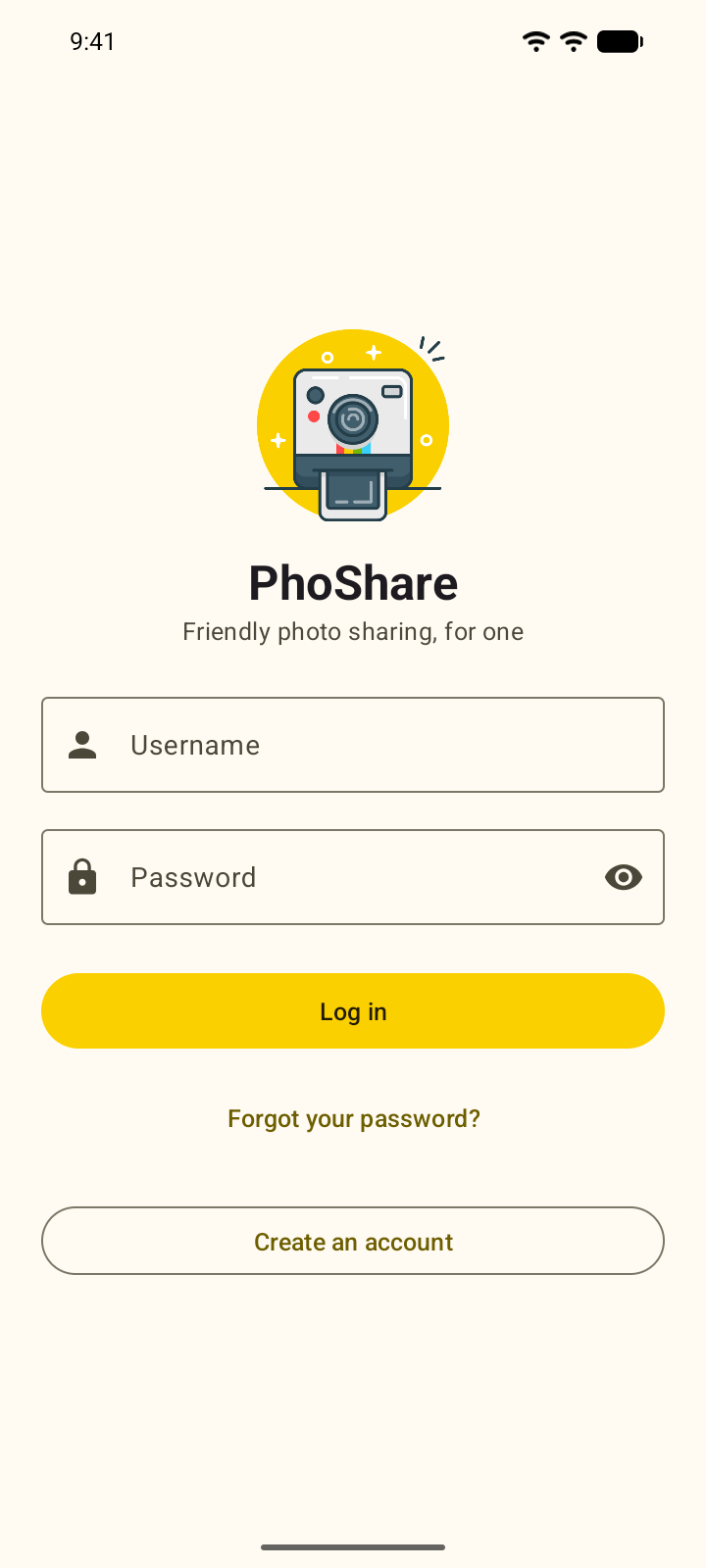
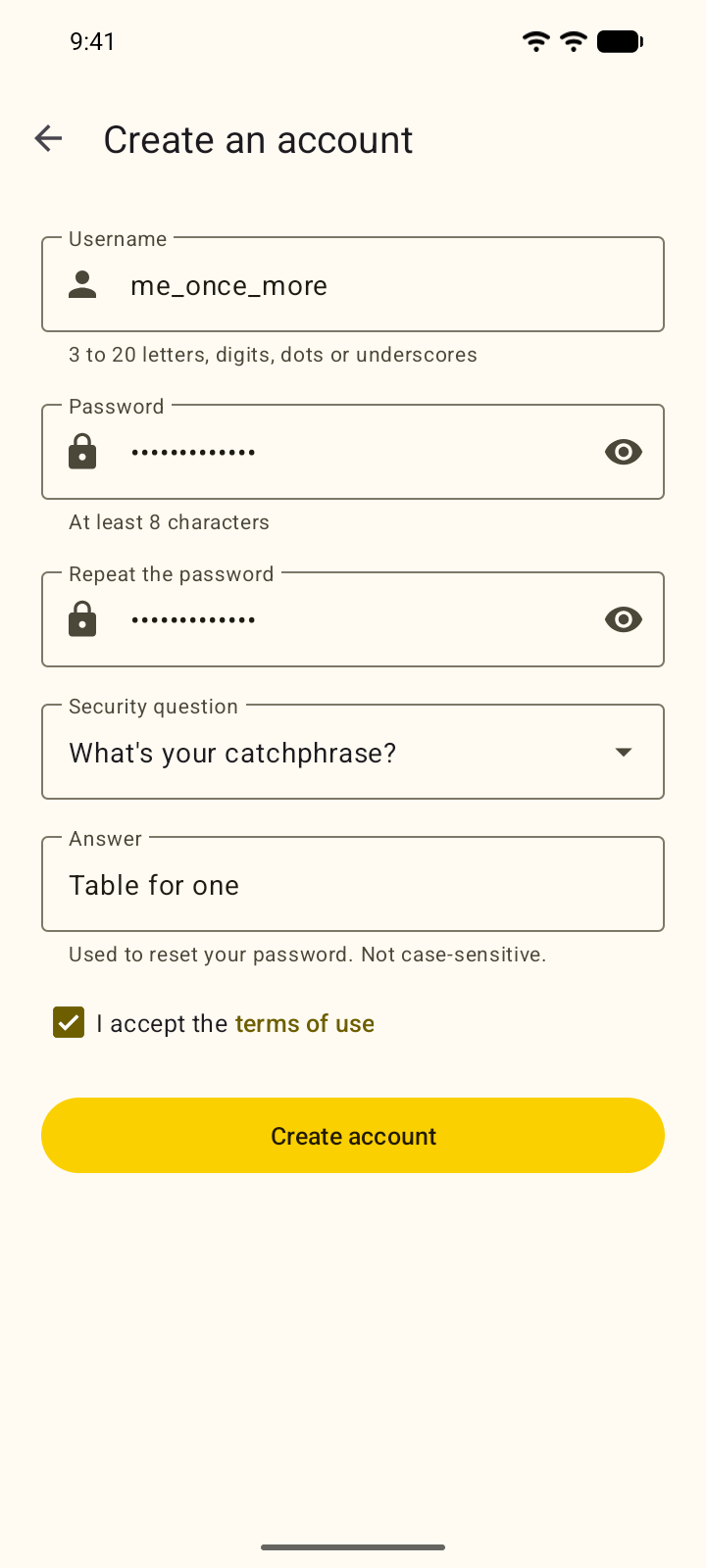
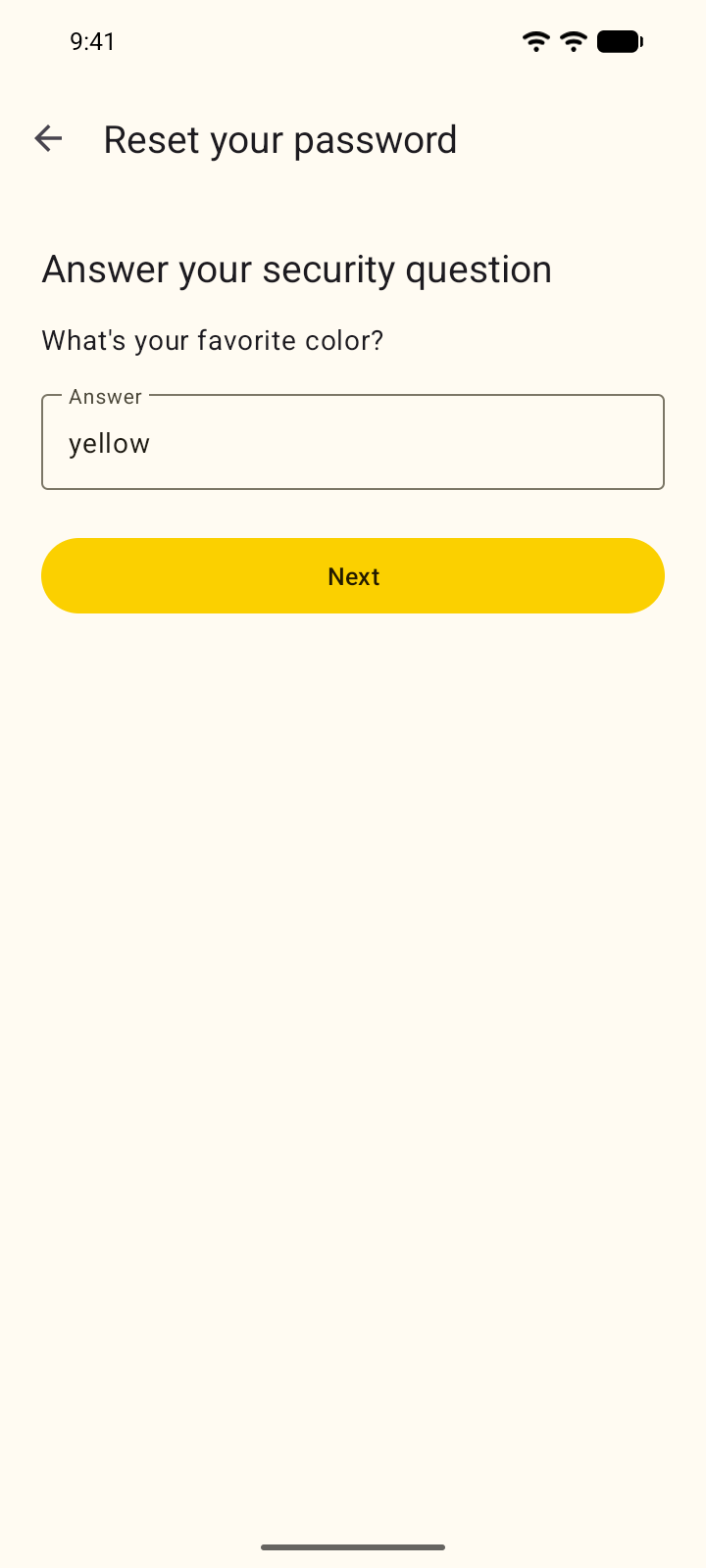
Sign up with a username, a password and a security question. You stay logged in until you log out. To reset a forgotten password, answer the security question; the answer isn't case-sensitive.
Android · Offline · Open source
PhoShare is a small social app where every account, post, comment and favorite is stored on the phone. It has no server and doesn't request the internet permission.
Screenshots
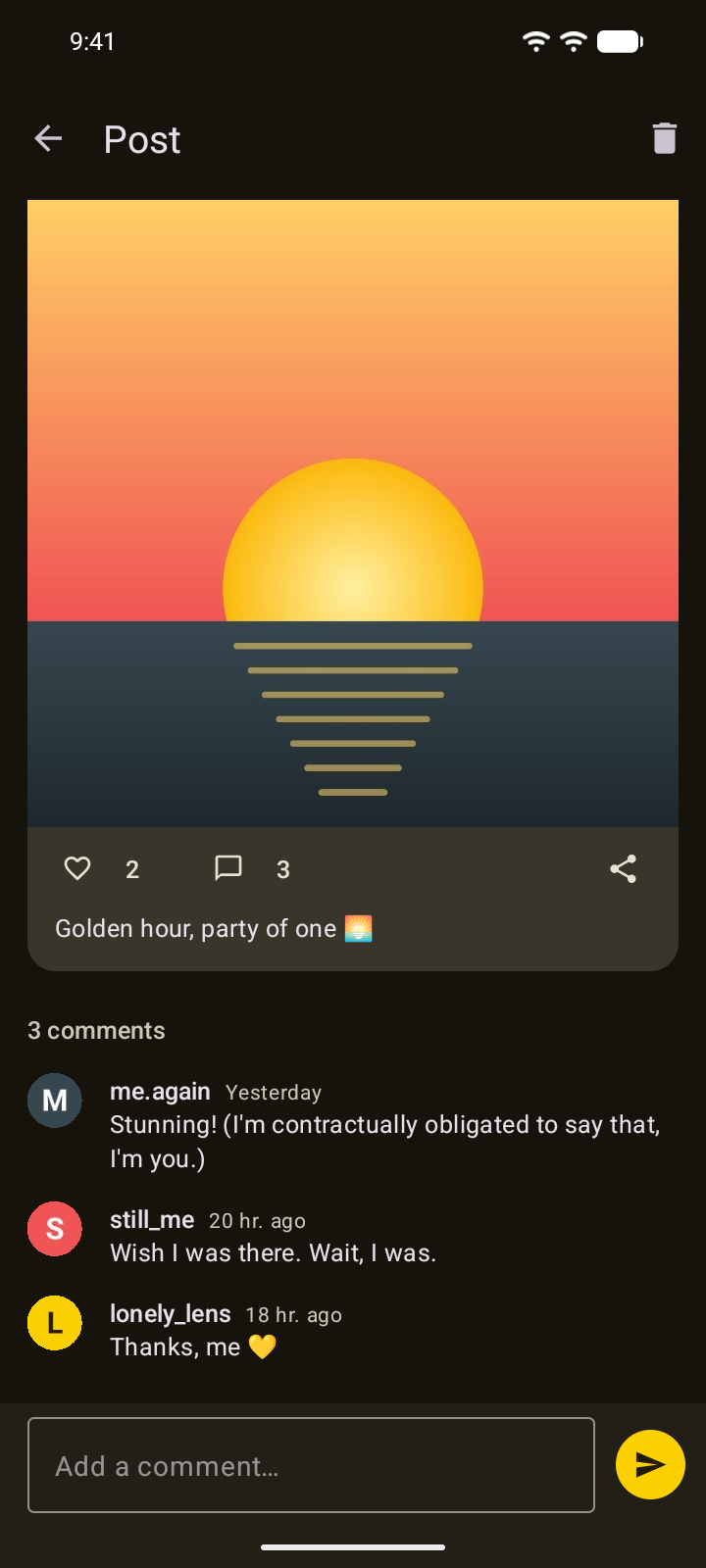
Taken on the Android 17 emulator. The three accounts in them, lonely_lens,
me.again and still_me, were all created on the same device. Double-tap one to
like it.
Sign up with a username, a password and a security question. You stay logged in until you log out. To reset a forgotten password, answer the security question; the answer isn't case-sensitive.
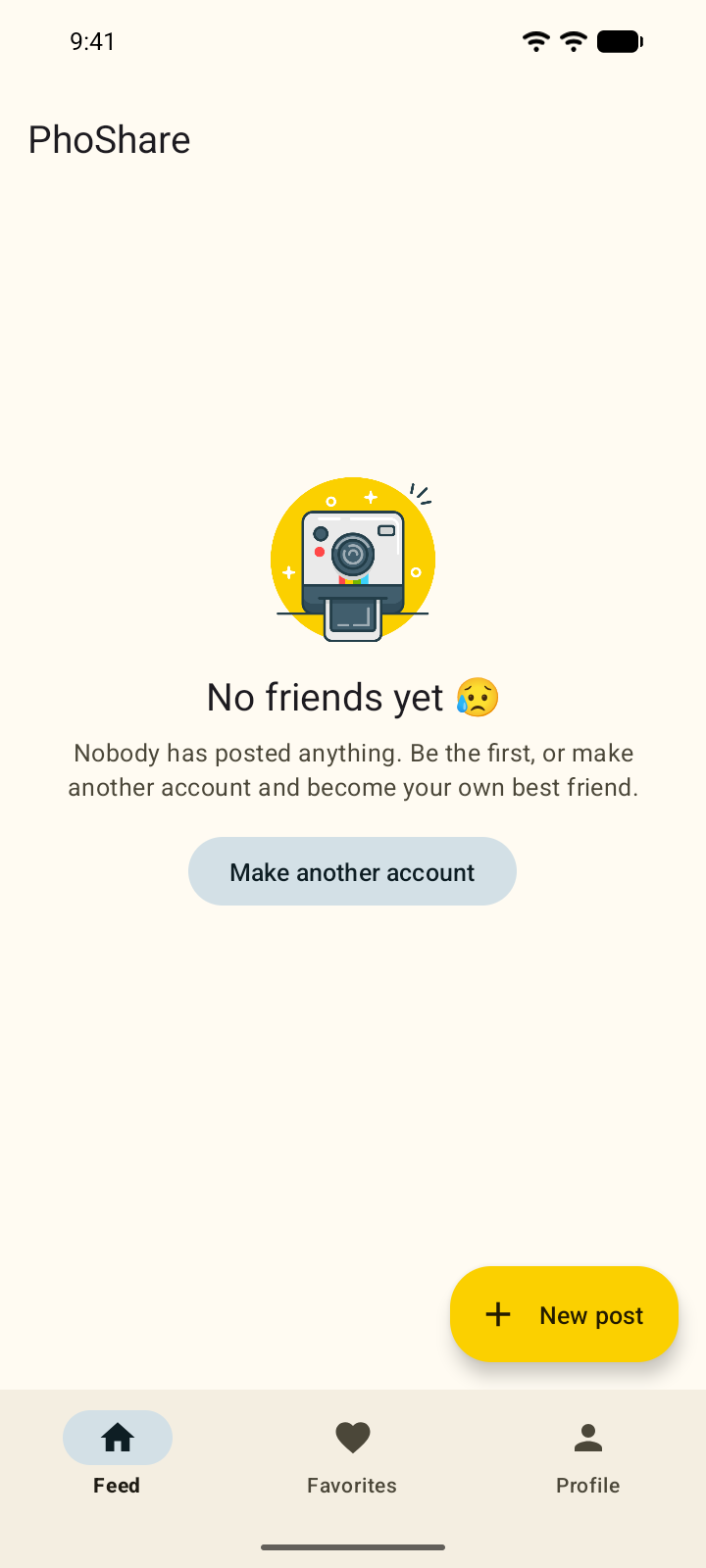
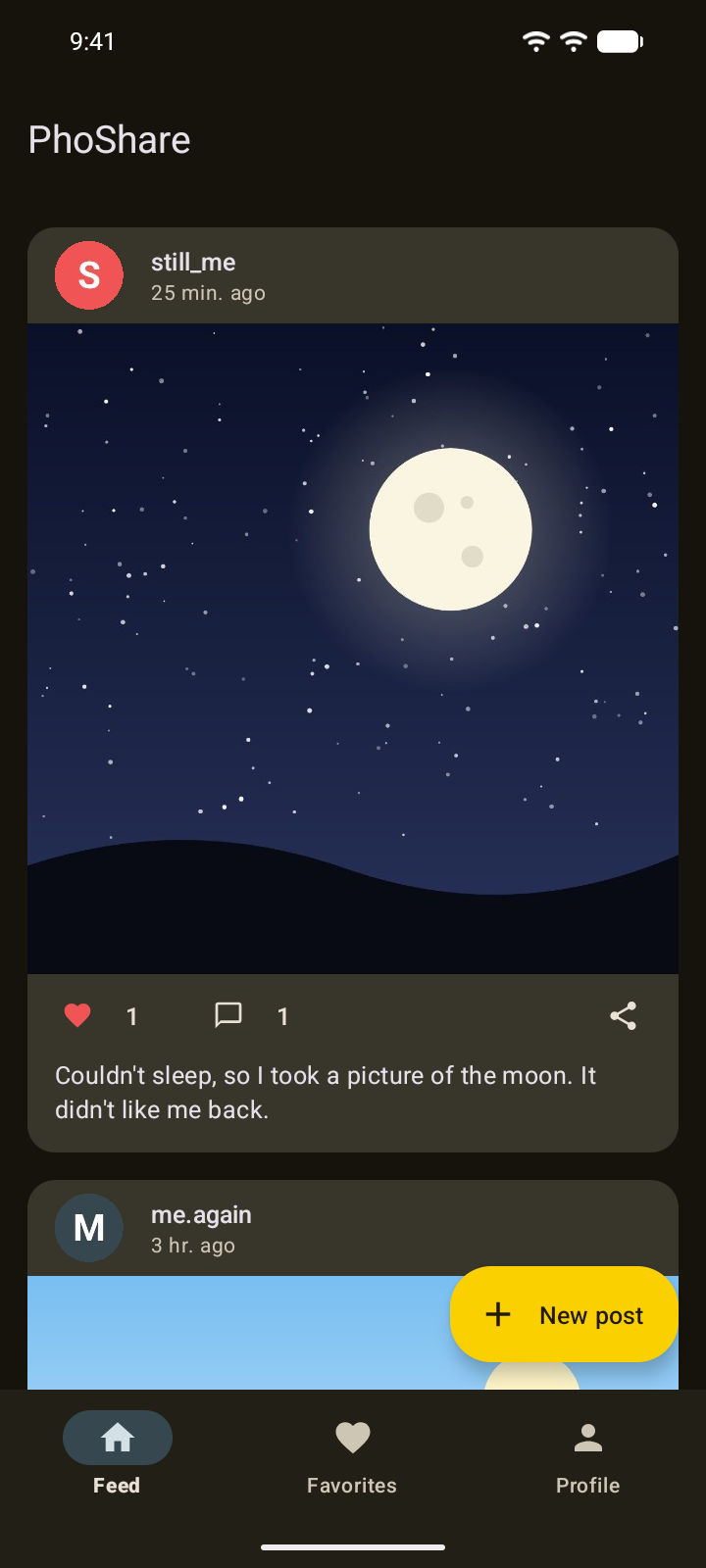
All posts on the device, newest first, each with its favorite count, comment count and a share button. On a fresh install the feed stays empty until an account posts.
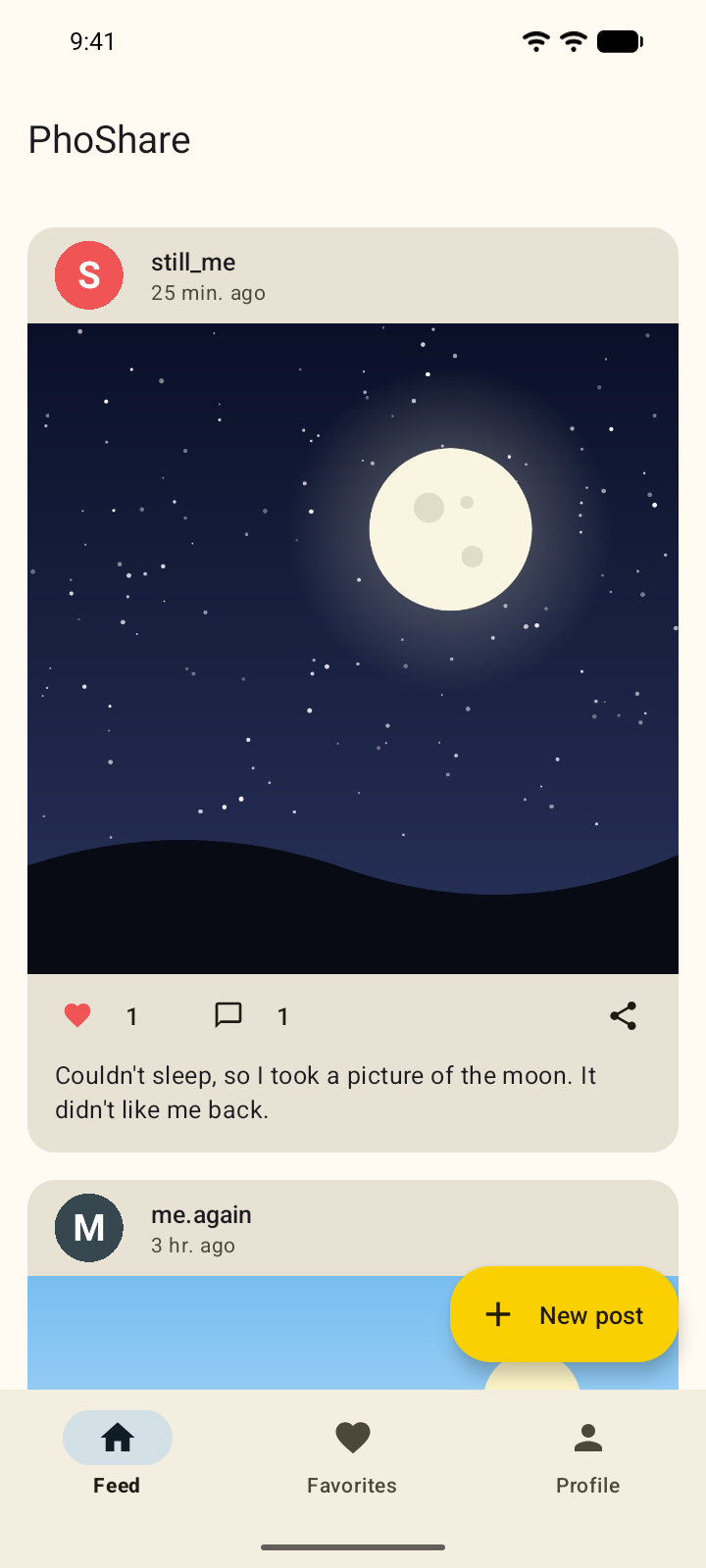
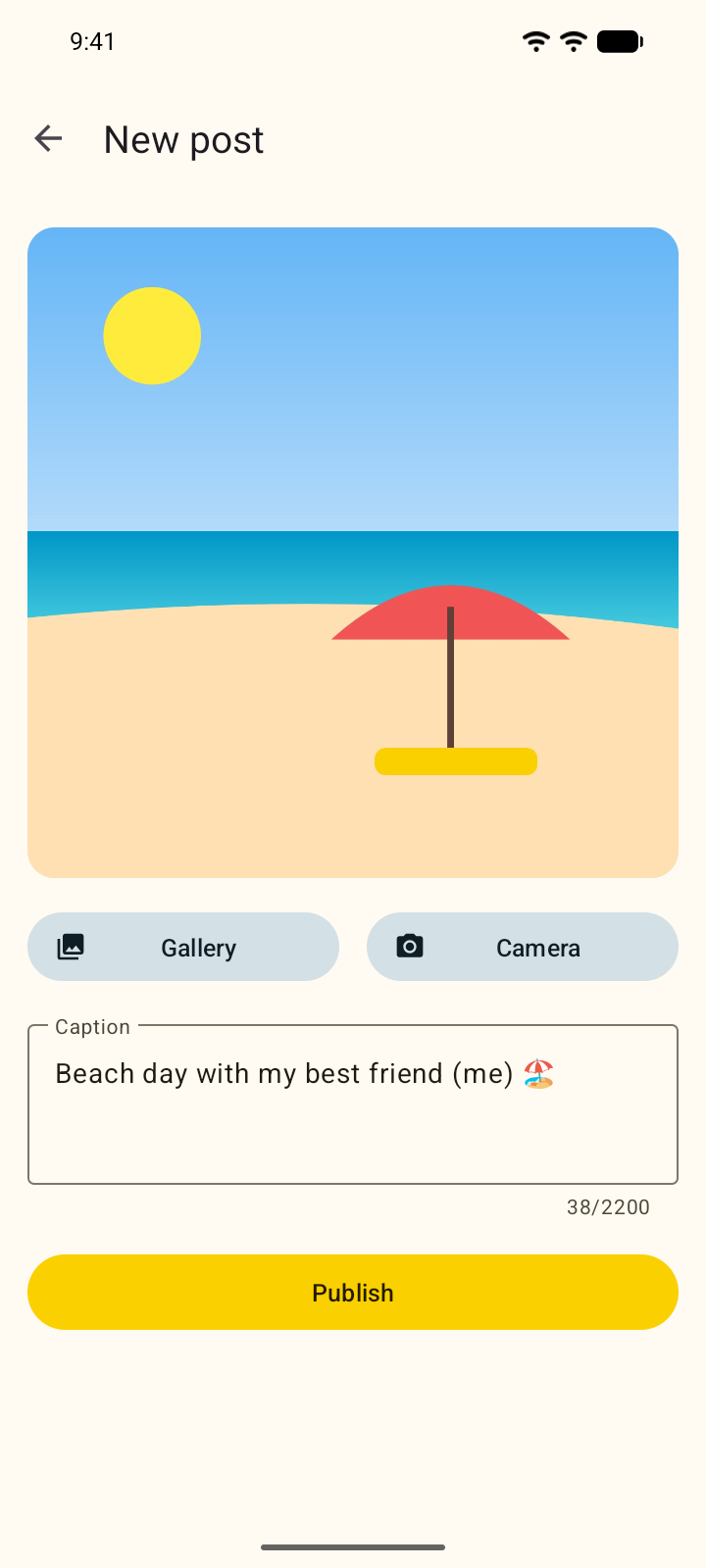
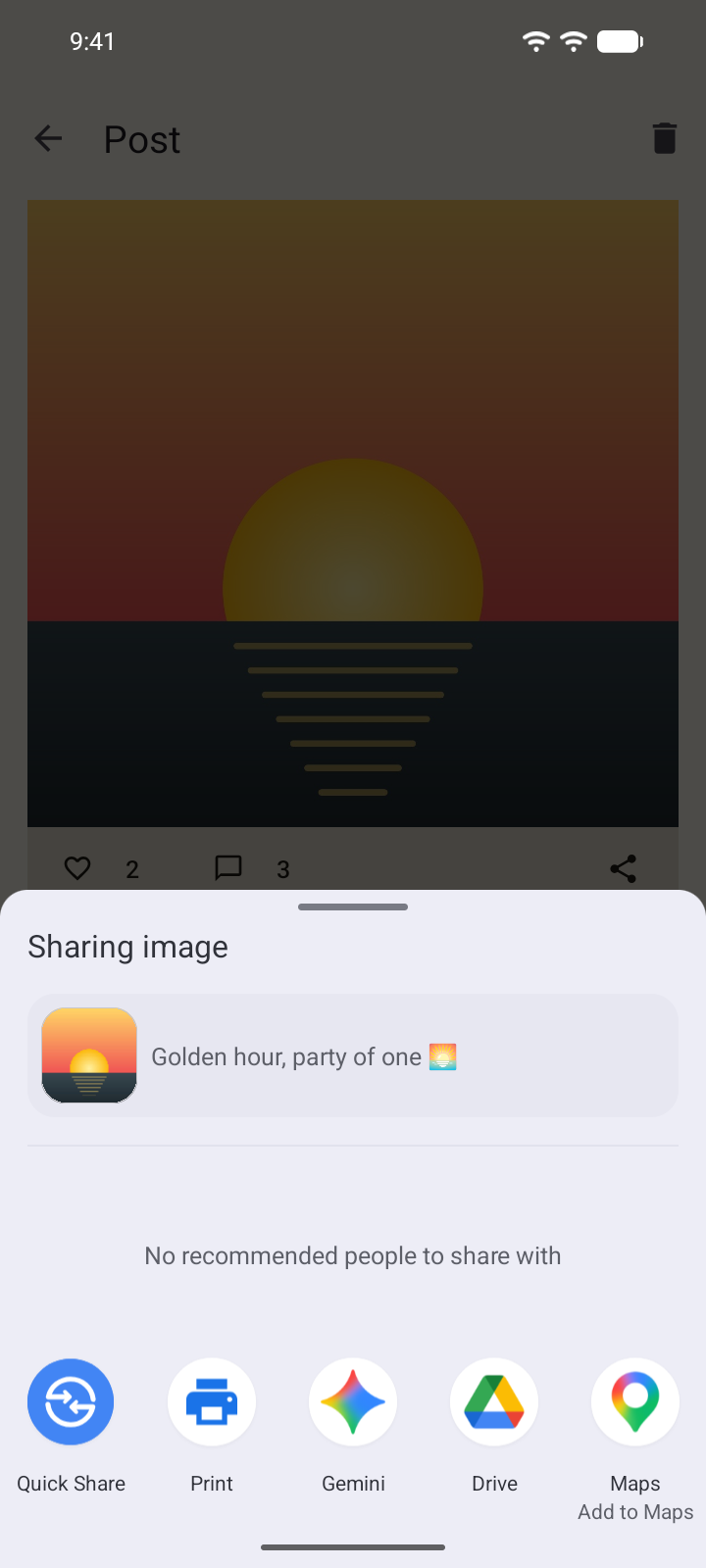
Choose a photo with the system photo picker or take one with the camera app. PhoShare turns it upright and scales it to at most 2048 px before saving it. Each post has a caption and comments, and can be sent to other apps through the share sheet.
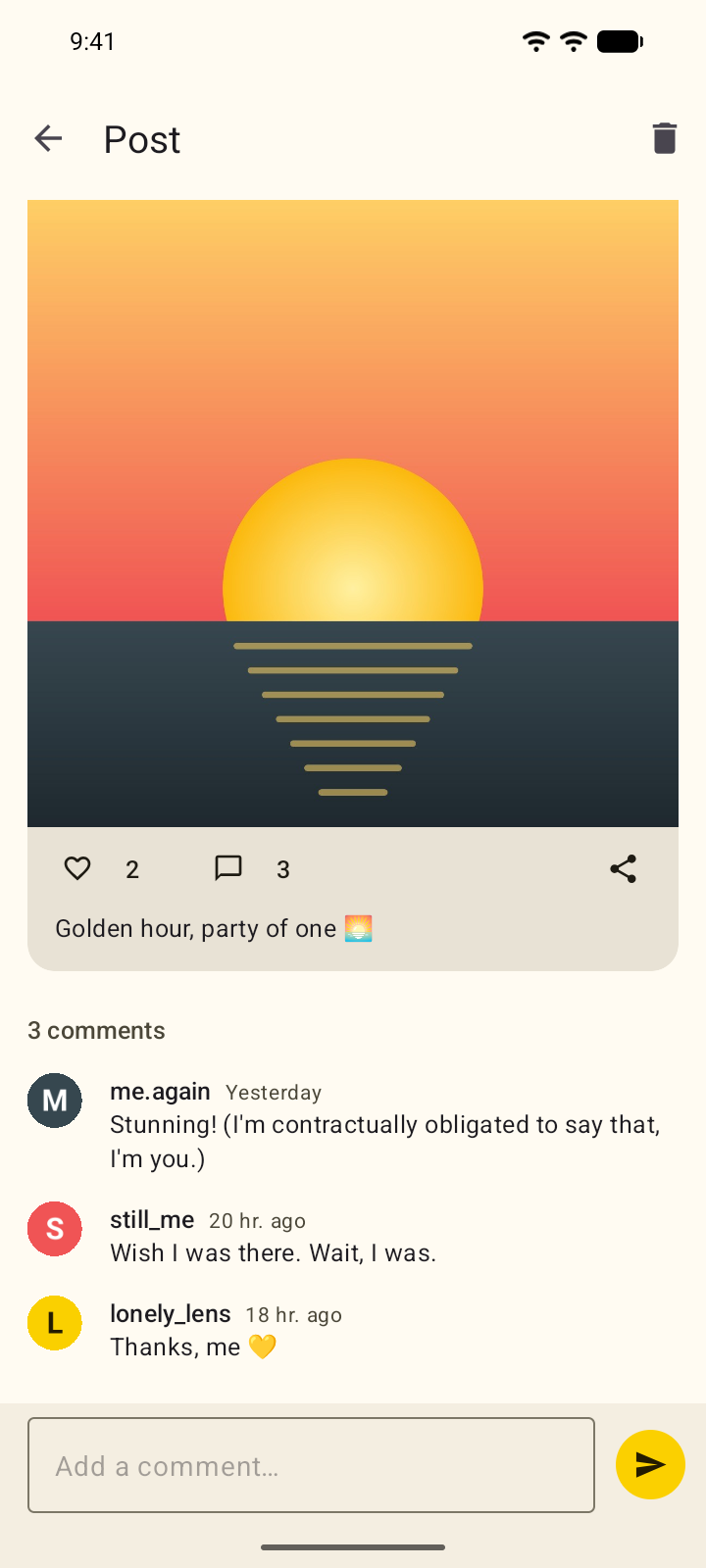
Favorited posts get their own tab, latest first. A profile shows the avatar, bio, join date and a grid of the account's photos. From your own profile you can edit those, change your password, switch accounts, or delete the account and its posts.
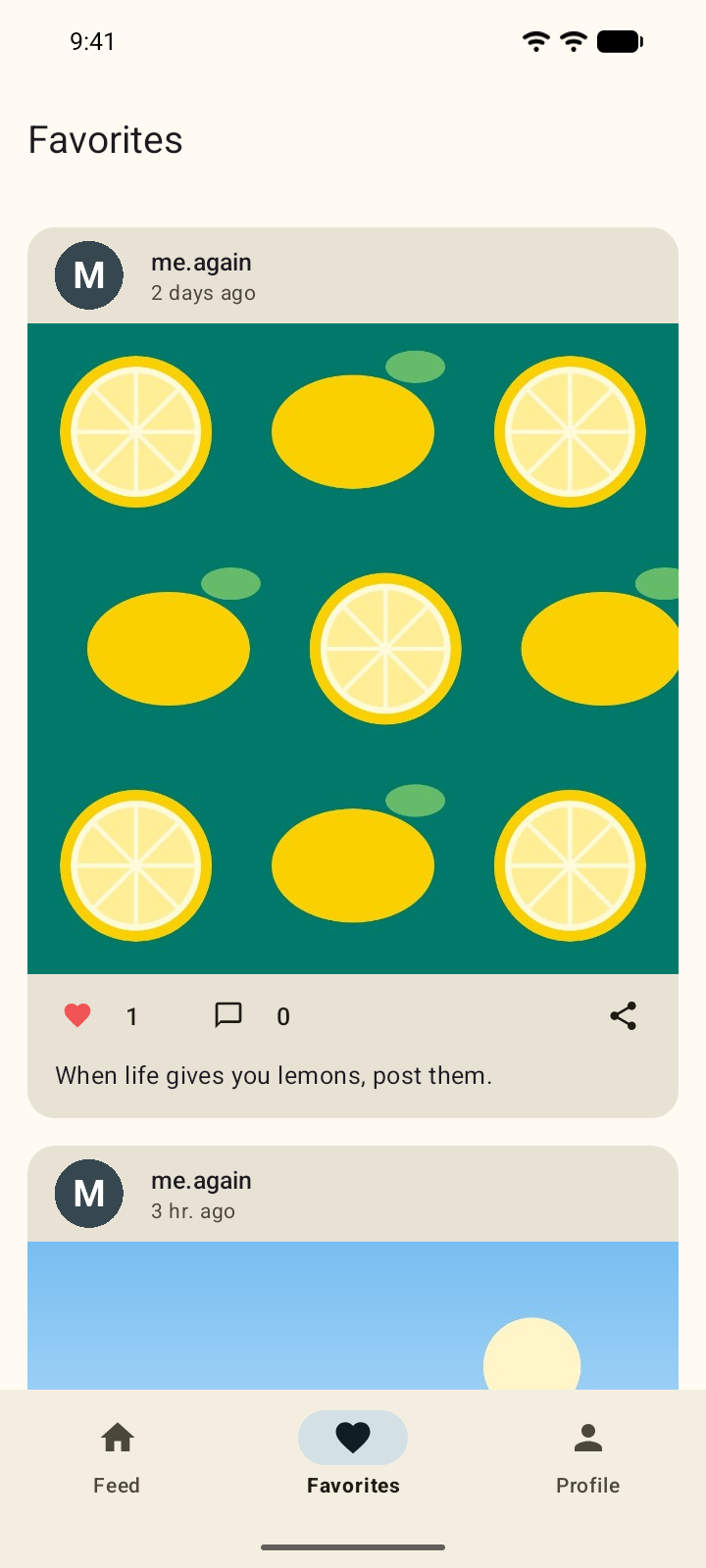
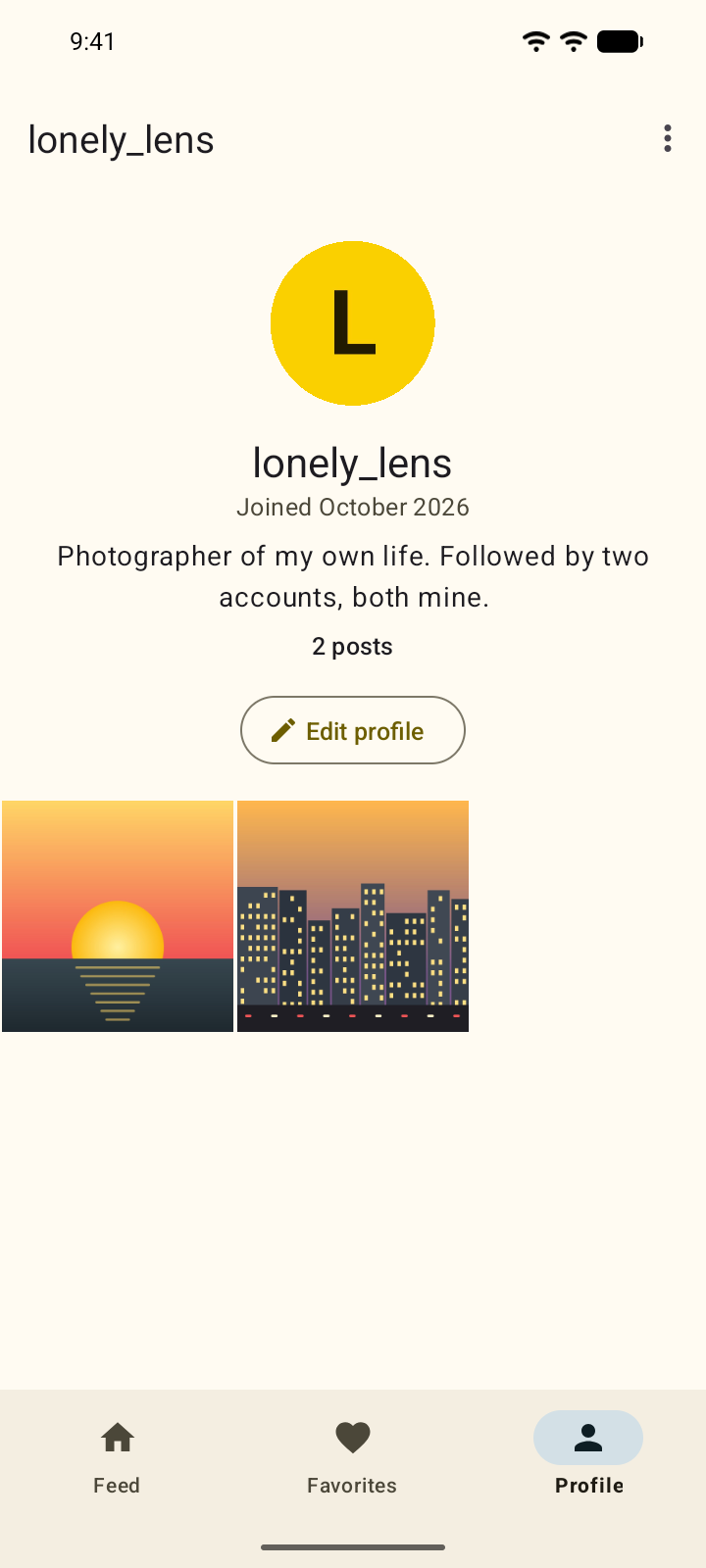
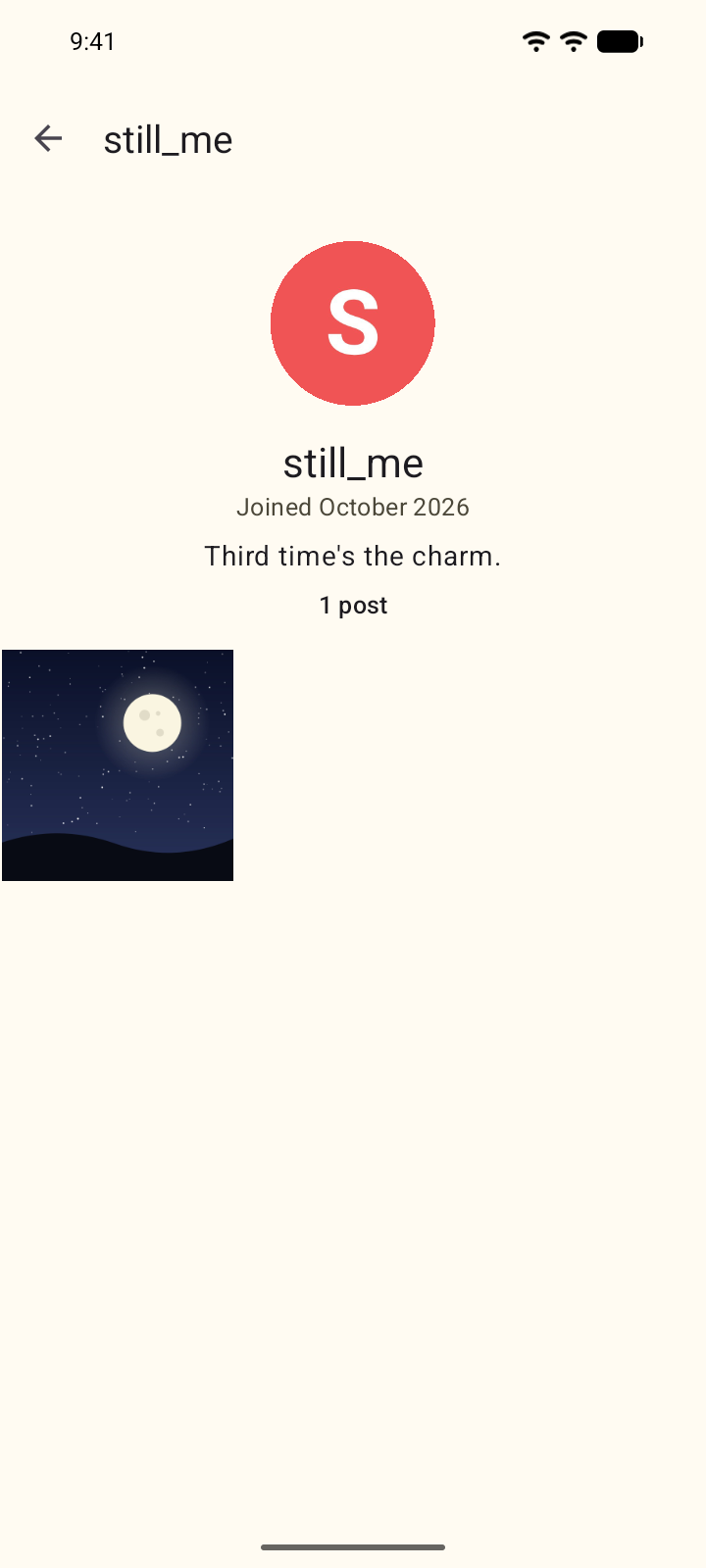
Material 3, with colors taken from the logo. The theme follows the system's dark mode setting.
Privacy
PhoShare collects nothing. The privacy policy has the details.
The app doesn't request the internet permission, so it can't send or receive anything.
Photos come through the system photo picker or the camera app, and neither one requires a permission.
Passwords and security answers are stored as PBKDF2-HMAC-SHA256 hashes, with 310,000 iterations and a random salt.
A photo leaves PhoShare only when you send it to another app through the share sheet.
Build from source
The JDK, the Android SDK, Gradle and adb run in a container, so there's nothing else to install. The command below builds the app and opens it in an Android 17 emulator.
All commands# macOS and Linux
$ git clone https://github.com/eoussama/phoshare
$ cd phoshare
$ ./android.sh emulator --window
# Windows
> ./android.ps1 emulator --window
# on a phone paired over Wi-Fi
$ ./android.sh run <ip:port>